

Devastator Combine Core: Where to Place the Accessory
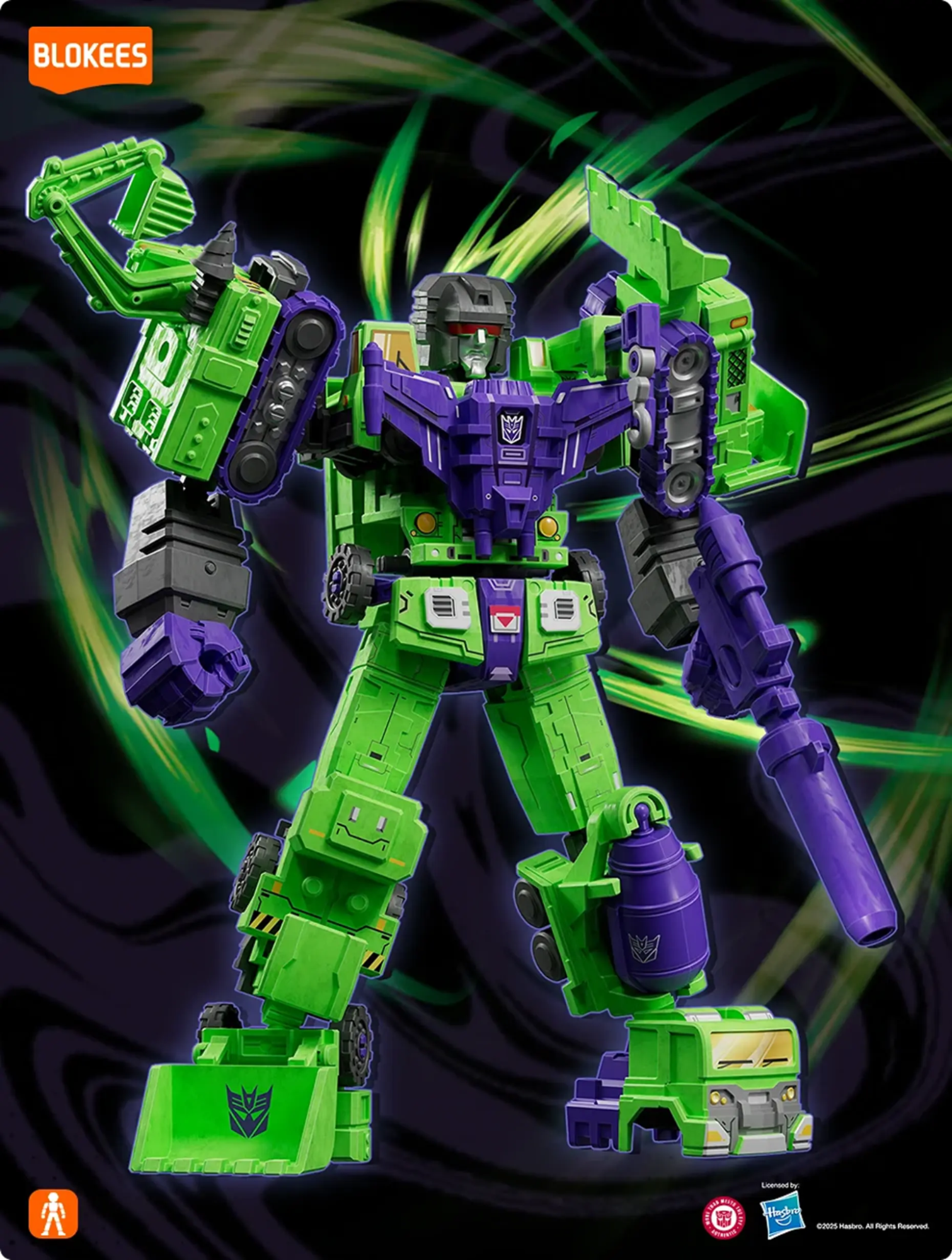
Every collector knows the moment when construction becomes creation—when six machines unite into one colossal force. That’s the power of Devastator, the original titan of destruction. But to complete that masterpiece, one vital component stands above all: the Devastator Combine Core.
Blokees’ official Transformers Defender Version Devastator Combining Accessory is the heart that links every Constructicon from series 01–03. With this compact 28-piece construction set, you can create a seamless, stable, and cinematic display for your Devastator setup.
This guide explains exactly where and how to place the accessory, ensuring your model looks cohesive, balanced, and ready for battle.
What Is the Devastator Combine Core?
Think of the Combine Core as Devastator’s central nervous system. It connects Scavenger, Bonecrusher, Hook, Long Haul, Scrapper, and Mixmaster—creating the mechanical alignment needed for proper stance and articulation.
Each piece of the accessory set is precision-molded to serve a specific purpose: connecting, reinforcing, and supporting Devastator’s core body frame.
Core Kit Highlights:
- 28 premium components designed for precision linkage.
- Multi-series compatibility (works with Defender Version 01–03).
- Collector-grade ABS material for durability.
- User-friendly assembly for creators aged 8+.
- Compact 72×72×120 mm packaging for easy storage.
When properly positioned, the Combine Core ensures Devastator stands solid—no loose limbs, no imbalance, just pure mechanical harmony.
Understanding Its Purpose in the Display

Unlike other accessories, the Combine Core isn’t just visual; it’s structural. It enhances both aesthetics and stability, making your Defender Version setup feel complete and authentic.
The Combine Core serves three main functions:
- Support: Reinforces torso and hip sections to prevent weight sag.
- Alignment: Ensures all Constructicons lock symmetrically.
- Cinematic Detail: Adds texture and realism to the central chest and abdomen zones.
Because of its design flexibility, the Core can also act as a stand-alone display accessory, symbolizing the fusion energy that powers Devastator.
Recommended Placement Zones

There’s no single “right” way to use the Combine Core—it depends on your display style. However, these placement options have been tested to maximize both stability and visual storytelling.
Central Integration (Torso Placement)
This is the most authentic and popular option—placing the accessory within the chest and waist area.
Setup Steps:
- Align the connector slots between Hook (upper section) and Long Haul (central base).
- Snap the Combine Core components securely along the torso ridge.
- Attach the chest plate section to unify the upper body.
- Reinforce waist joint connectors using the side clips provided.
Why It Works:
- Replicates the animation-accurate chest fusion glow.
- Provides internal balance for standing poses.
- Ideal for enclosed display cases with direct front lighting.
Recommended Lighting:
Green or purple LED backlight to highlight the “fusion chamber” feel.
Back-Mounted (Power Core Aesthetic)

For collectors who prefer a more industrial or cinematic look, the Combine Core can be mounted behind the torso as an exposed energy reactor.
Setup Steps:
- Use the lower spine connector piece to link behind the back panel.
- Position the round energy hub at the upper spine line.
- Secure with the two small latch pieces included.
Why It Works:
- Adds three-dimensional realism from side and rear angles.
- Creates a glowing “power engine” effect under LED lighting.
- Keeps the front surface clean and symmetrical for minimal displays.
Pro Tip:
Pair this layout with backlighting—an RGB LED strip behind Devastator makes the reactor glow naturally.
Pedestal or Separate Podium Display
If you prefer your Devastator in battle stance without visible mechanical clutter, consider displaying the Combine Core separately on a small riser or base.
Setup Steps:
- Assemble the accessory into full-core configuration.
- Place it on an acrylic cube or matte pedestal in front of or beside Devastator.
- Label the base “Combine Core – Devastator Activation Unit.”
Why It Works:
- Perfect for thematic displays—like a museum piece or battle relic.
- Emphasizes the technology powering the Constructicons.
- Fits easily in layered multi-tier shelves.
Display Theme:
“Decepticon Engineering Archive” – pair with Soundwave or Shockwave for added lore connection.
Placement Comparison Table
|
Placement Style |
Difficulty |
Visual Appeal |
Stability Impact |
Ideal Display Type |
|
Central Torso |
Moderate |
High |
Excellent |
Standard Shelf |
|
Back-Mounted |
Easy |
Very High |
Strong |
Wide Display Cabinet |
|
Separate Podium |
Easy |
Cinematic |
N/A (Decorative) |
Multi-Shelf Setup |
Each placement style can be enhanced with lighting, background materials, and contrast bases to bring out Devastator’s commanding presence.
Balance & Symmetry Tips

To maintain proportion and harmony, follow these balance guidelines:
- Keep the Core center-aligned with Devastator’s chest and hip axes.
- Avoid pushing connections too tight—Blokees kits are designed for smooth lock-ins.
- Always attach side connectors before lower torso clamps.
- Place heavier Constructicons (Long Haul, Mixmaster) toward the front base for counterbalance.
- Use transparent risers for smaller shelves to lift the model slightly for better angle visibility.
Optional Add-On:
If your display includes the Defender Version Devastator Accessory Pack, combine the energy core with the extra chest plate to amplify the “fusion glow” effect.
Lighting and Display Environment
Lighting determines whether your Devastator display feels industrial or cinematic. Since the Combine Core acts as a visual focal point, color coordination matters.
Lighting Suggestions by Theme:
- Classic Decepticon Glow: Green + Purple combo (symbol of dark energy).
- Industrial Setup: Warm white + yellow side tones for a workshop aesthetic.
- Battle Scene: Flickering red LEDs to simulate power overload.
Practical Setup:
- Backlight angle: 45° from behind for natural shadows.
- Toplight: Diffused LED strip to highlight armor textures.
- Base reflection: Glossy or mirrored stand to amplify Core illumination.
Display Design Inspiration
Want to integrate the Combine Core into a larger story scene? Try these layout ideas for maximum impact:
“Construction Complete” Display
- Place all six Constructicons in semi-circle formation around the Core.
- Devastator’s upper torso assembled, with the Core glowing mid-process.
- Ideal for collectors emphasizing engineering and assembly stages.
“Battle-Ready Devastator” Display
- Fully assembled Devastator in front, Combine Core mounted internally.
- Add debris or metallic backdrop for cinematic realism.
- Use accent lights to recreate energy charge effects.
“Decepticon Power Plant” Setup
- Separate the Core and display it as an energy reactor.
- Surround it with Blokees Shockwave, Soundwave, or Megatron kits.
- Use violet spotlight to simulate active energy conduit.
These setups turn a simple accessory into a storytelling centerpiece.
How to Keep the Core Secure
Once the Core is in place, proper stability ensures long-term display integrity.
Checklist for Safety:
- Tighten connectors only once—avoid repetitive removal.
- Keep the display on a flat surface, away from vibration.
- Check base alignment monthly to prevent stress cracks.
- Clean gently with microfiber cloth to avoid paint wear.
- Never expose ABS components to direct sunlight for extended periods.
Maintenance Schedule:
|
Action |
Frequency |
|
Dust removal |
Weekly |
|
Connector inspection |
Monthly |
|
Light source adjustment |
Quarterly |
|
Full reassembly (optional refresh) |
Every 6 months |
Frequently Asked Questions
Does the Combine Core work with all Defender Versions?
Yes. It’s fully compatible with series 01–03, designed to interconnect Constructicons seamlessly.
Is it difficult to assemble?
Not at all. The kit includes a step-by-step guide and requires no glue or tools—ideal for ages 8 and up.
Can it be displayed separately?
Yes. Many collectors use the Core as a standalone Decepticon artifact on acrylic risers.
How can I enhance its visual impact?
Add LED lighting behind or below the Core. The metallic finish reacts beautifully under green or purple light.
Will the accessory affect model stability?
No. When installed correctly, it improves overall balance and rigidity.
Conclusion
The Devastator Combine Core isn’t just a connecting tool—it’s the essence of Cybertronian engineering. Its placement defines the story you want to tell: mechanical unity, energy power, or cinematic scale.
Whether nestled in the chest of your Defender Version Devastator, mounted as a reactor, or displayed as an independent relic, the Core transforms your collection from mechanical structure to storytelling art.
Assemble. Align. Illuminate. Let your Devastator stand as the true giant he was meant to be—with his heart in the right place.


Looking for something else?
Which Marvel Rivals Blokees Kit Should You Assemble First?
LEARN MORE
Best X-Men Model Kits: Wolverine, Magneto, and More
LEARN MORE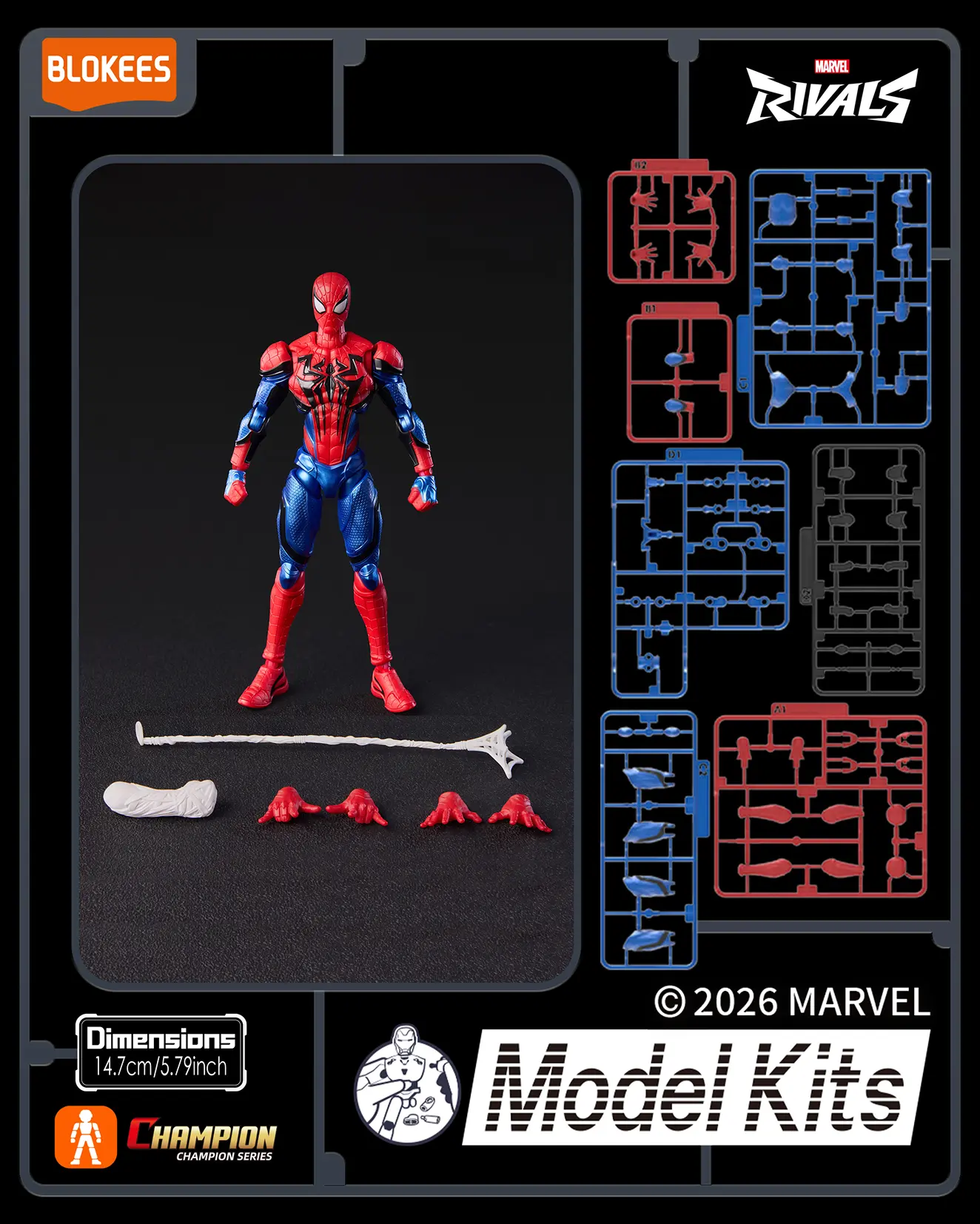
How to Assemble Blokees Marvel Rivals Spider-Man
LEARN MORE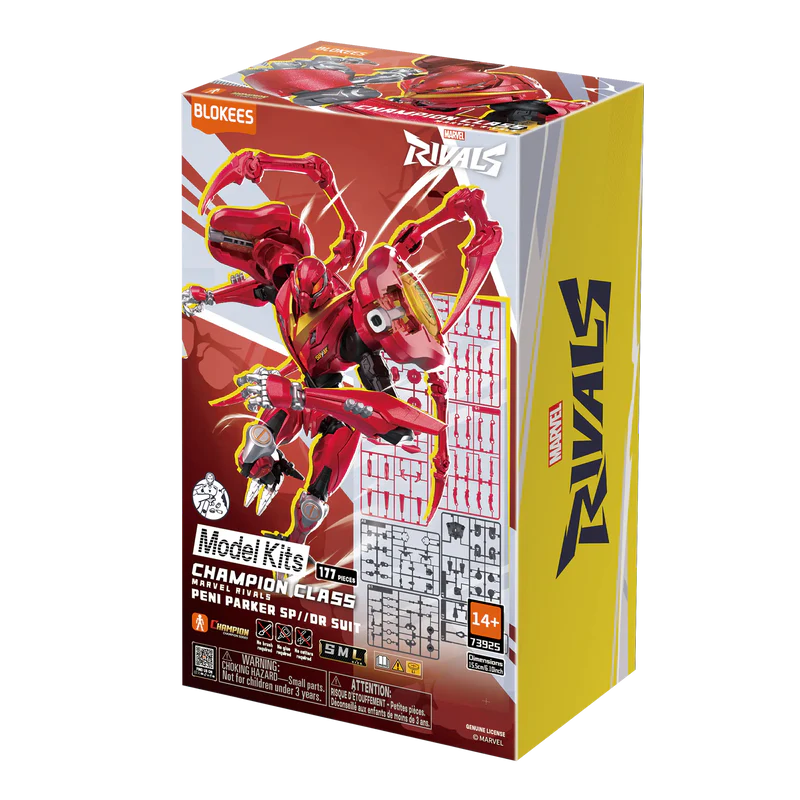
Unboxing the Blokees Marvel Rivals Champion Class Series
LEARN MORELooking for something else?

Dynamic Posing Guide: How to Make Spider-Man Swing
LEARN MORE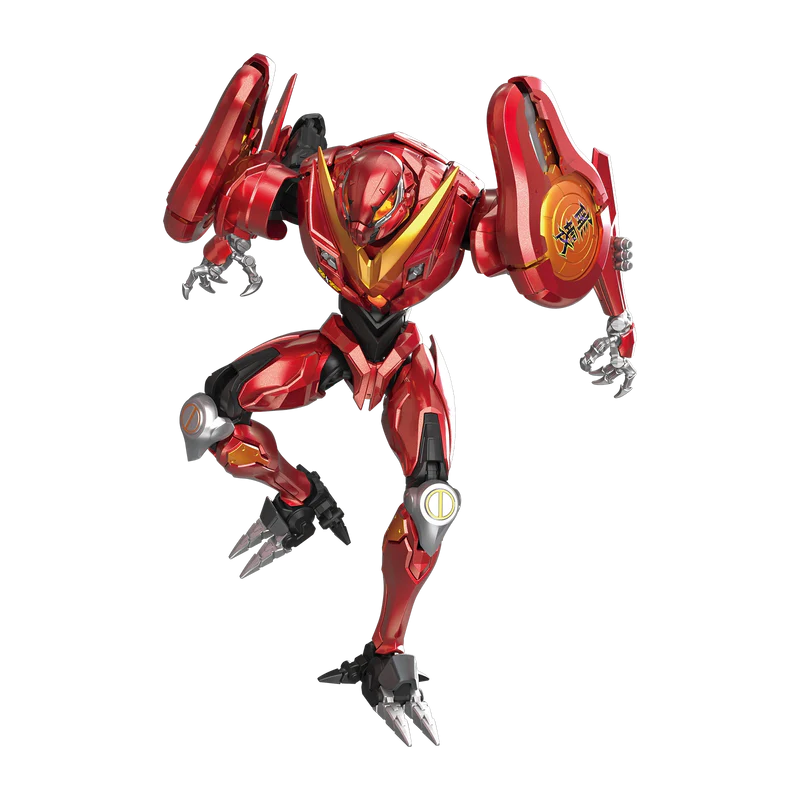
Secret Rares Revealed: Blokees Marvel Rivals Hidden
LEARN MORE
How to Create a DIY Marvel Rivals Battle Diorama Display
LEARN MOREYou may also like


Further reading

Blokees EVANGELION Gift Guide: Choose by Character, Unit, and Display Format

EVANGELION 30th Anniversary: How the Series Continues to Reach Audiences